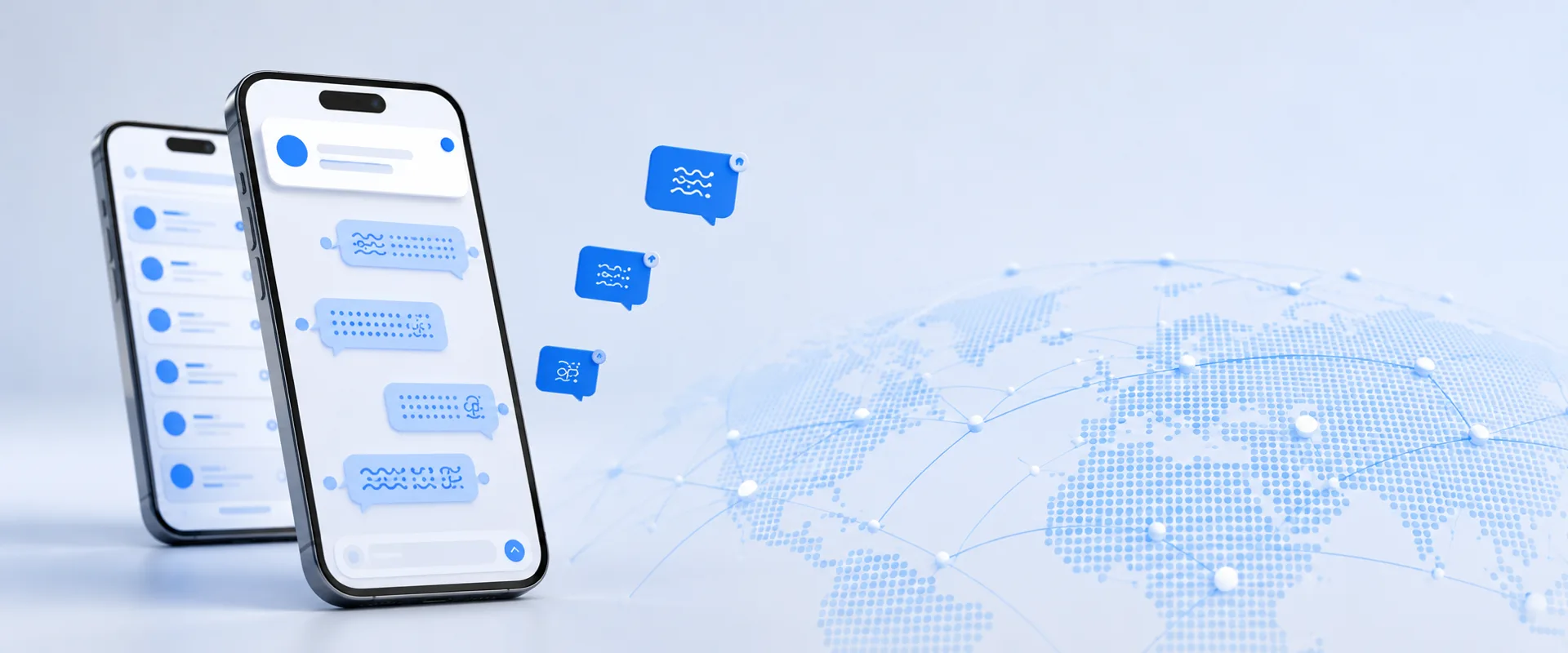
The web widget answers customers from the browser. But the person on the other side - the operator - is rarely sitting at a desk. They are on a shop floor, in a car, between meetings. For enuchat.com the missing piece was the operator's phone: apps for iOS and Android that put the whole multilingual inbox in your pocket and, above all, buzz the moment a customer writes - even with the screen off and the app closed.
This is the story of how we built those apps at Kiran, told without the jargon. The interesting decisions turned out to be less about technology and more about what not to build.
We didn't rebuild the dashboard - we put it in your pocket
The enuchat operator dashboard already exists as a web app: the conversation list, the filters, the live translation, the knowledge base. It works well. Rebuilding all of that a second time as a separate "phone version" would have taken months - and the result would have been a worse, duplicated copy that drifts out of sync with the real thing.
So we did the opposite. The mobile app shows you the same dashboard you already use, wrapped in a proper native app. The upside is huge: when we improve the dashboard, every phone gets the update immediately - no waiting for an app-store release, no "please update the app" nags. We only need to publish a new version of the app for genuinely phone-specific things, like the notification system or a new icon. In practice we improve the product almost every day and touch the stores just a few times a year.
It also means the app is always identical to the desktop experience. Nothing to relearn, nothing missing.
Notifications are the whole point
If the app does one thing perfectly, it has to be this: a customer writes, and the operator's phone buzzes within seconds, wherever they are. That single feature is the reason the app exists at all - a website in a browser simply can't wake your phone when it's in your pocket.
Getting notifications right is harder than it sounds, and most of the engineering went here:
- The right person, fast. When a message arrives, the system works out who should be told - the operator the conversation is assigned to, or everyone who opted in to pick up unassigned chats - and sends the alert straight to their phone.
- No pointless buzzing. If an operator already has that exact conversation open on another device, we don't send a push - they can already see it. The phone only interrupts you when there's genuinely something new to handle.
- AI doesn't switch the human off. Even when the AI assistant has already replied, the operator still gets notified, because they may want to step in. The app keeps a person in the loop, it doesn't replace them.
- Tap and you're there. Tapping a notification opens the app straight to that conversation - not a generic inbox you then have to dig through.
- An accurate count. The little red number on the app icon reflects your unread messages, and it clears the moment you open the app.
We also keep the plumbing tidy behind the scenes: when someone uninstalls the app or signs out, we stop sending to that phone automatically, so notifications never drift into "sent to nobody".
The App Store rejection that taught us a lesson
The honest part of the story. Our very first version was rejected by Apple. The reviewer opened it on an iPad and saw a blank white screen for a moment - and a blank screen reads as "broken app".
The cause was simple. Because the app loads the live dashboard over the internet, on a cold first launch on a slow connection there's a brief gap - a second or two - before everything appears. To us on fast office Wi-Fi it was invisible. To a reviewer on a worst-case connection, it looked broken.
The fix was a polished loading screen: a branded splash with a spinner that stays up until the dashboard is genuinely ready, so the wait reads as "loading" instead of "frozen". On fast connections it disappears instantly; on slow ones it holds reassuringly. We resubmitted, and it was approved.
The lesson is one we now apply everywhere: assume your user is on the slowest connection in the room, and never let them stare at a blank screen.
Everything the web version does - on your phone
Because the app is the dashboard, every feature comes along for free, with nothing rebuilt or left behind:
- Real-time translation in 60+ languages - a customer writes in Ukrainian, you reply in your language, and each side reads it in theirs.
- AI answers from your knowledge base that cover the questions arriving while nobody is watching.
- One inbox for every widget and brand you run, with each chat routed to the right person.
You simply get all of it on a phone now, with a notification on the front so nothing slips past you.
Building something similar?
This pragmatic approach - take a solid web app, wrap it in a real native app, and pour the effort into notifications that actually arrive - is the right call for a lot of products, and it's exactly the kind of work we do at Kiran. If you have a dashboard or internal tool that needs a mobile companion, that's our software development bread and butter. The screens are rarely the hard part; making the phone buzz at the right person at the right moment is.
Next step
If you want the product itself, the iOS and Android apps sign in with the same account as the web widget - start free at enuchat.com, no card required. If you're weighing a mobile app of your own, a 30-minute call is enough to scope it. Related, from the support team's side rather than the builder's: Customer service without a call centre.